ONLINE SEX SHOP FOR HEALTH, BEAUTY, AND LOVE ♡
FREE SHIPPING FROM 150€ IN EU



















144,64 €
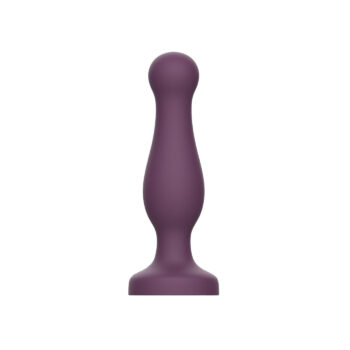
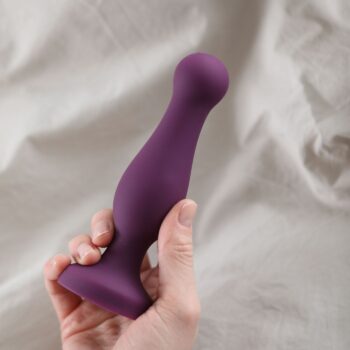
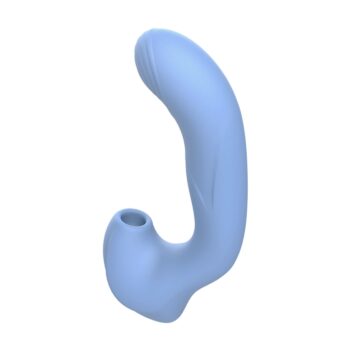
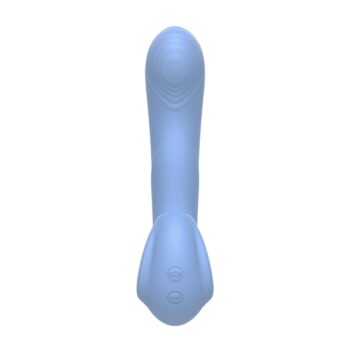
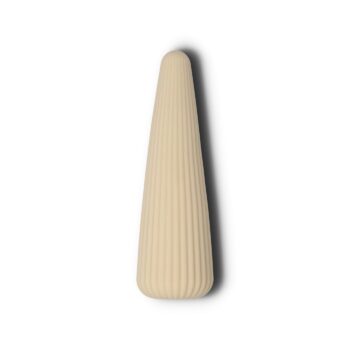
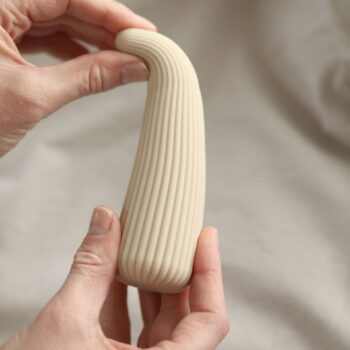
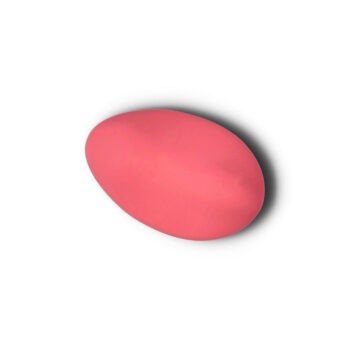
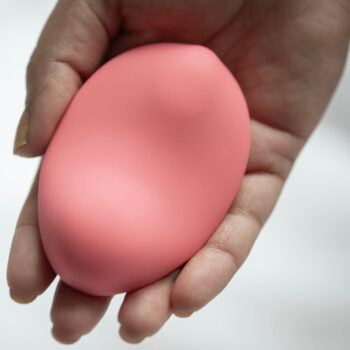
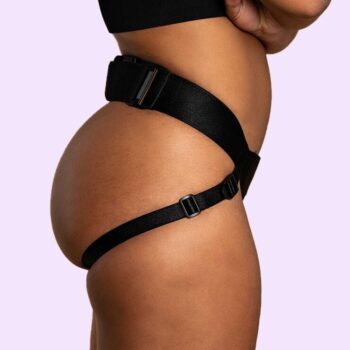
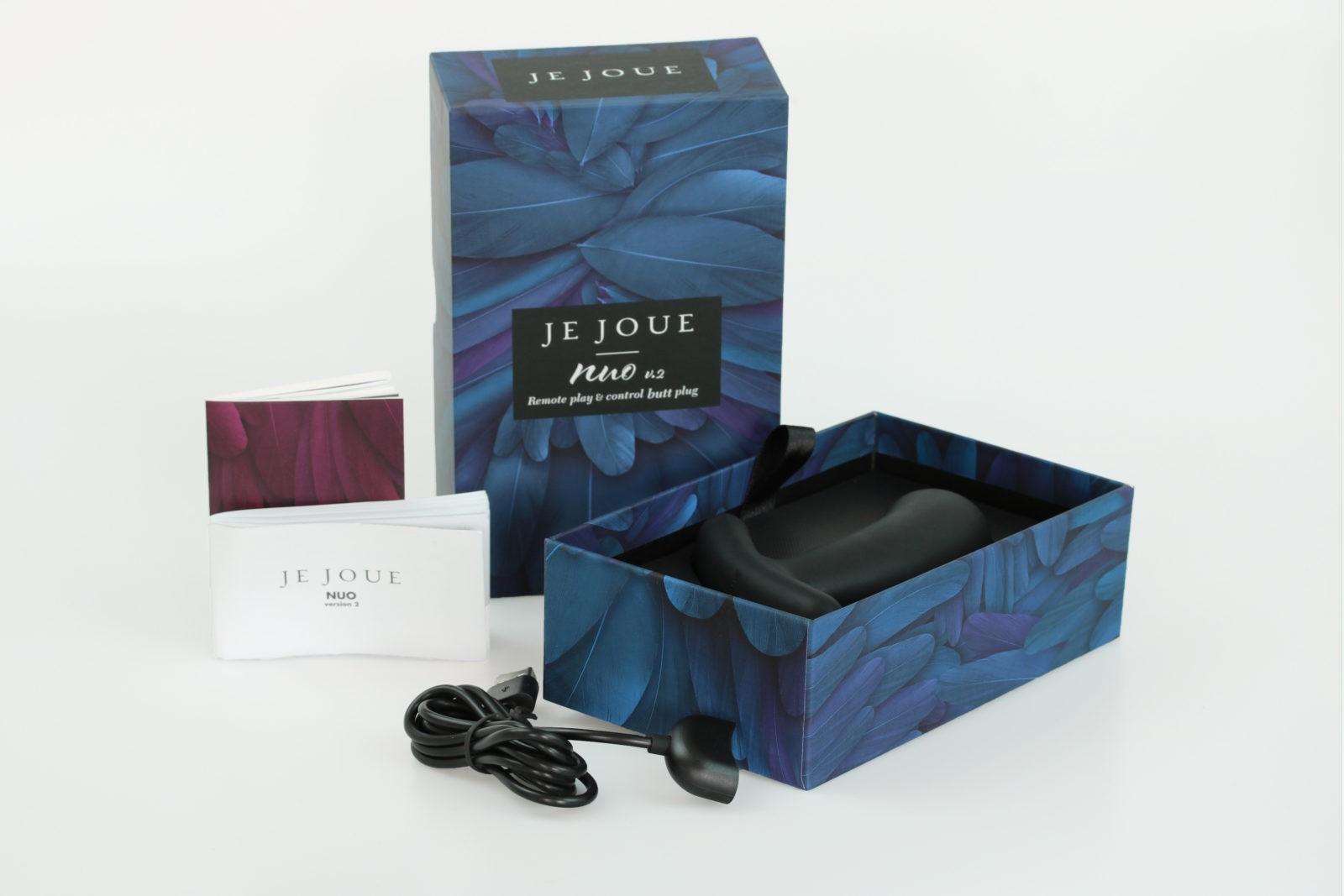
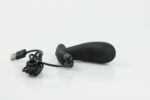
The world’s first dual-motor butt plug. With remote control options (locally with the Je Joue app and long distance playlist function) Nuo enhances seduction and intensifies pleasure. Nuo’s motor is designed to a low frequency to give our signature Je Joue oh-so-low rumbling vibrations. Read the “How it works” section to understand its full functionality.
In stock
The world’s first dual-motor butt plug. With remote control options (locally with the Je Joue app and long distance playlist function) Nuo enhances seduction and intensifies pleasure. Nuo’s motor is designed to a low frequency to give our signature Je Joue oh-so-low rumbling vibrations. Read the “How it works” section to understand its full functionality.
1. Download the Je Joue app (free and available for Iphones and Android)
2. – Turn your devices Bluetooth on and open the Je Joue app (if this is your first time using the app, a tutorial will appear automatically to show you how to use it)
3. – Turn on your toy by holding the “+” button for 2 seconds (this is located under the Je Joue Logo) – a red light will appear on the toy and your toy will begin to vibrate.
4. – If you want to start a new session, press “Play now” – your toy will sync with your device, which is shown by the light on the toy turning from red to blue. At this point your toy will stop vibrating.
5. – Start by selecting any one of the patterns on the screen – your toy will begin to vibrate.
6. – To change the vibration speed, select the numbers on the right hand side of the screen (1-5) or gently swipe the screen up and down – Note: If you want to stop the vibration quickly, swipe the screen fully downwards.
7. – To change the vibrating pattern, swipe the screen left or right.
8. – If you want to stop the session, press the pause button in the bottom left of the screen.
9. – The “Close to stop session” option will bring you back to the patterns screen so you can re-start your session.
10. – The pause button will give you the option of stopping your session completely, or resuming your session.
11. – When you stop your session, you have the ability to save your session and re-load it to your toy at a later date.
1. – Follow steps 1, 2 and 3 of the above instructions.
2. – Open the “Saved Sessions” option.
3. – Select the session you’d like to re-create and run it by pressing the arrow..
4. – The session will then run.
1. – Open the Je Joue app
2. – Select “Create Session”
3. – Create a new session by selecting “Add new session”
4. – Use the “Add new pattern” button to choose the vibration pattern, speed of vibration and length of time. Choose multiple options, name your session and hit “Save Changes”!
5. – To send a session, select the name of the session and use the option “e-mail”
6. – This will then re-direct you to your default e-mail app (mail, g-mail etc), simply enter the receivers e-mail address and personalise your message to them.
7. – Hit send and your playlist will be sent to their e-mail address.
1. – Once the sender has sent the playlist in an e-mail, it should appear in the receiver’s inbox.)
2. – Open the e-mail and select the attachment “Je Joue Playlist”
3. – This will then prompt you to choose the app you open the attachment with, find and select the Je Joue app.
4. – This will open the app and upload the playlist automatically – then follow the instructions for Using Saved Sessions and it’ll be the first saved session at the top of your list.
1. – The quickest way to stop the toy from Vibrating is to swipe down on the patterns screen.
2. – When the toy is being controlled by the App (or the remote control pen), the only ‘on-toy’ function that works is holding the “–“ for 2 seconds to switch the toy off. (Don’t forget to do this when you’ve finished anyway.)
3. – Make sure you save the best sessions!!
Place the charger directly over the Nuo’s buttons and you’ll feel the magnets pull it into place Nuo charges through its buttons).
When charging, the light will flash.
When fully charged the light will stay on, until the charger is removed from the buttons.
|
|
||||
|
|
||||
|
|
||||
|
|
||||
|

Sophisticated, elegantly naughty, and a sensual treat, Je Joue sex toys are the ultimate in quality. With beautifully crafted designs developed in the heart of London, guided by expert insight and extensive research. Their collection has been created to empower people to explore a new world of intimate – and infinite – possibilities.


All our orders are sent in discreet packaging that doesn't feature our name or our logo. Everything is packaged carefully, so nothing would break or tear.
EUROPE
Courier to European countries or Courier to Baltic countries: 2-4 working days.
Local post to other European countries: Up to 7 working days.
OUTSIDE EUROPE
Local post: 7-14 days


No account yet?
Create an Account
In stock